
All features
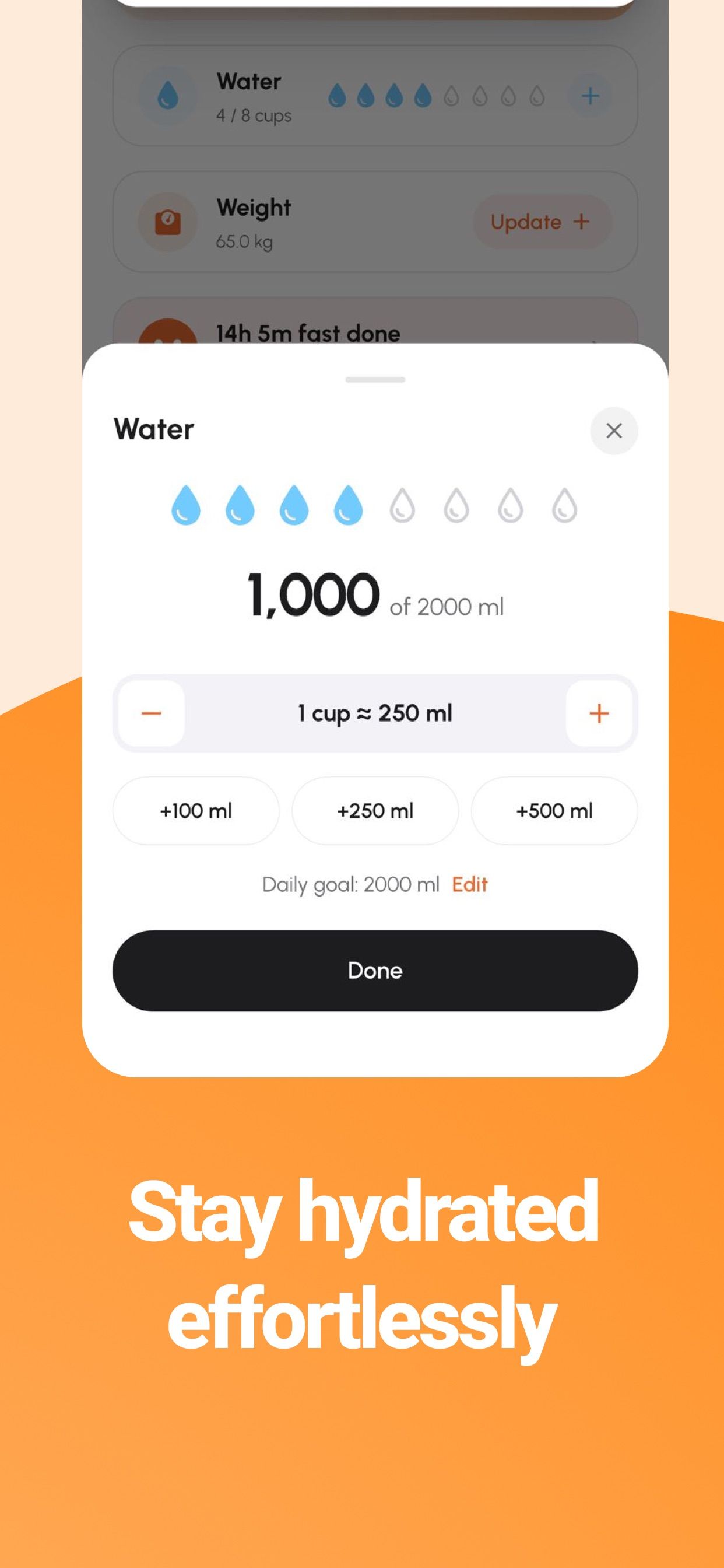
Stay hydrated, effortlessly
One tap per glass. Your daily goal, always in view.
Log water in cups or millilitres with one tap, set a daily goal and see how close you are, right on the same screen as your meals.


3-day free trial · iPhone, iPad & Android
The details
One tap per glass
Tap a drop on the home screen to add a cup, or open the water card to add +100, +250 or +500 ml. One cup is about 250 ml, and you can change your daily goal at any time.
Your goal, right next to your meals
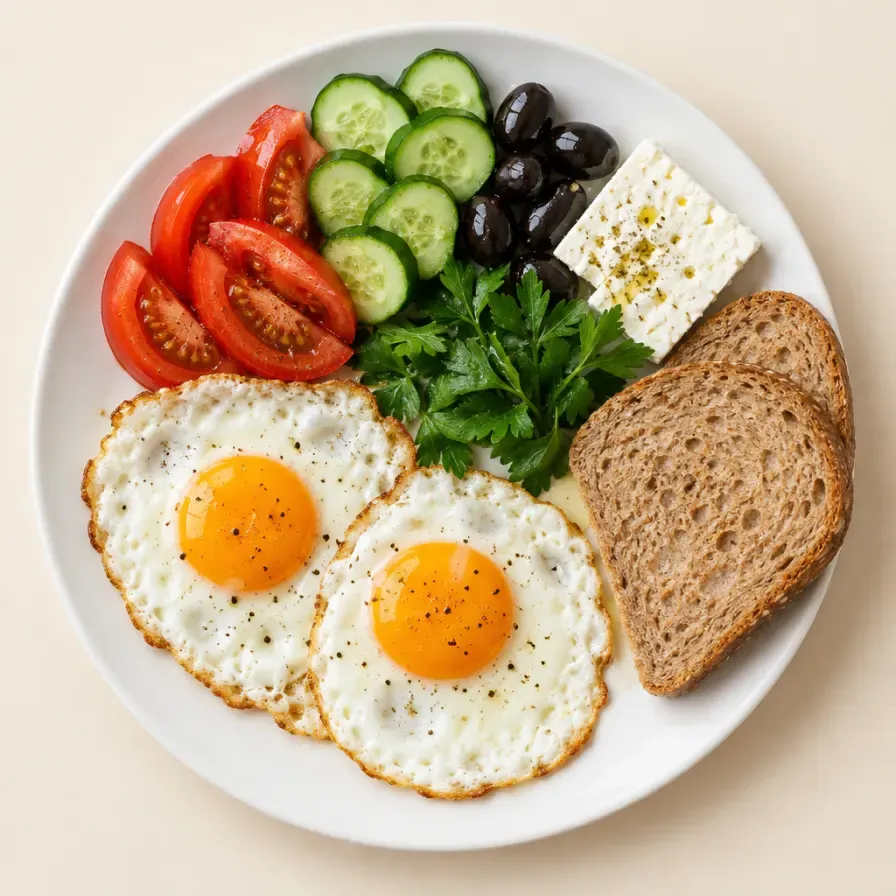
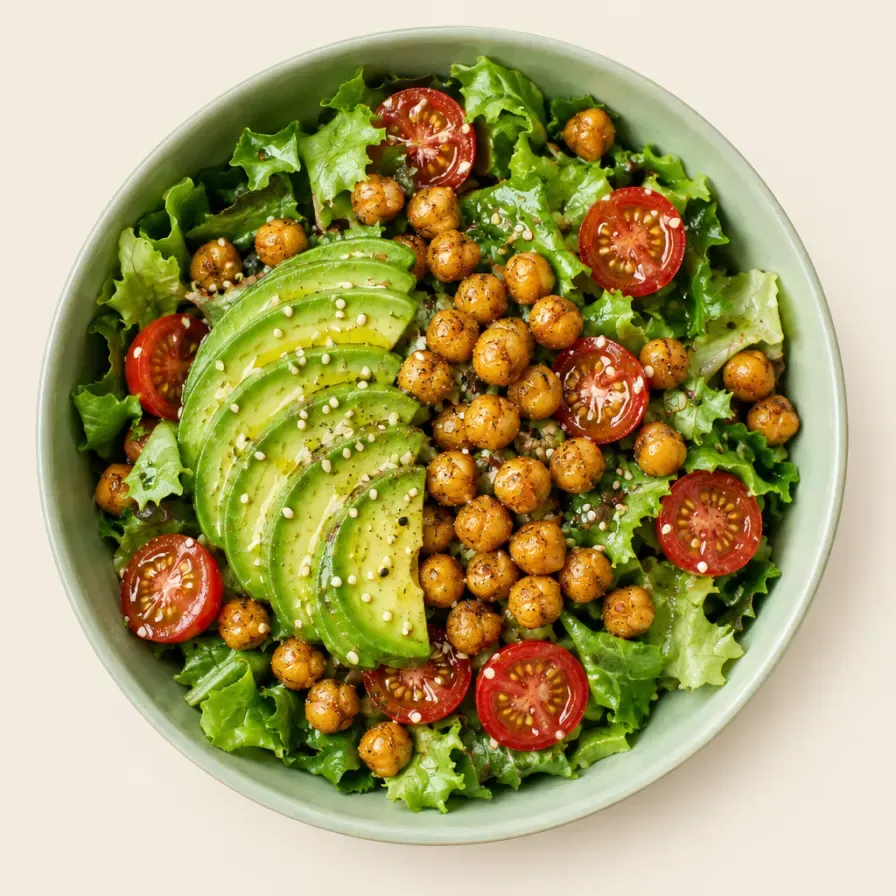
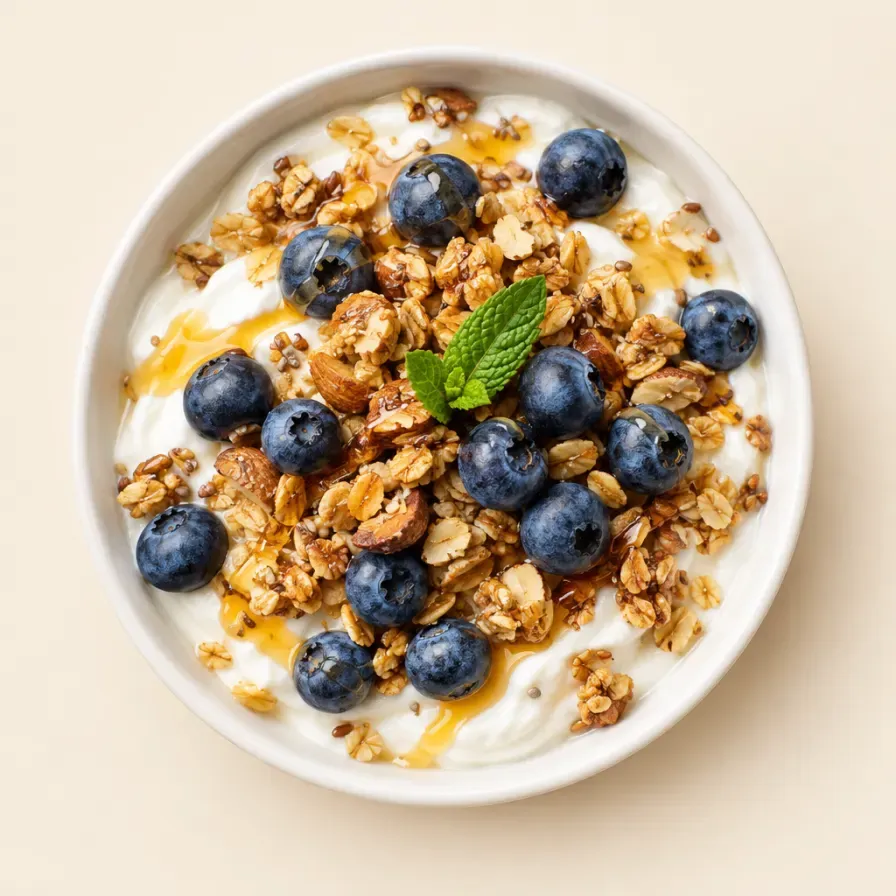
Water lives on the same screen as your calories, macros, weight and fasting, so it gets checked as often as your food does. No separate app to forget about.
How much should you drink?
It depends on your body, your activity and the weather. Use the free water intake calculator for a personal estimate and the official reference values.
Frequently asked questions
More answers in HelpCan I track water in millilitres?
Yes. Add +100, +250 or +500 ml, or tap a cup (about 250 ml). Your daily goal is shown in millilitres too.
Can I change my daily water goal?
Yes, tap Edit next to the daily goal.
Keep exploring
Water intake calculator
Free water intake calculator: a daily estimate from your weight and exercise, in litres, ounces and 250 ml cups, with the official reference values.
Weight tracker
Log your weight in seconds and watch the trend on clear charts. Your calorie targets adapt as you go, whether you want to lose, maintain or gain.
Fasting tracker
Track your fasting and eating windows next to your calories and macros, so one app shows when you eat as well as what you eat.

Your next meal is one photo away
Free download on iPhone, iPad and Android. Every plan starts with a 3-day free trial.
